What does the Shopify integration actually do?
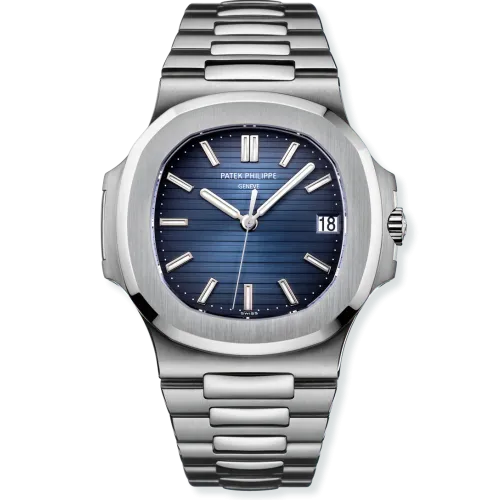
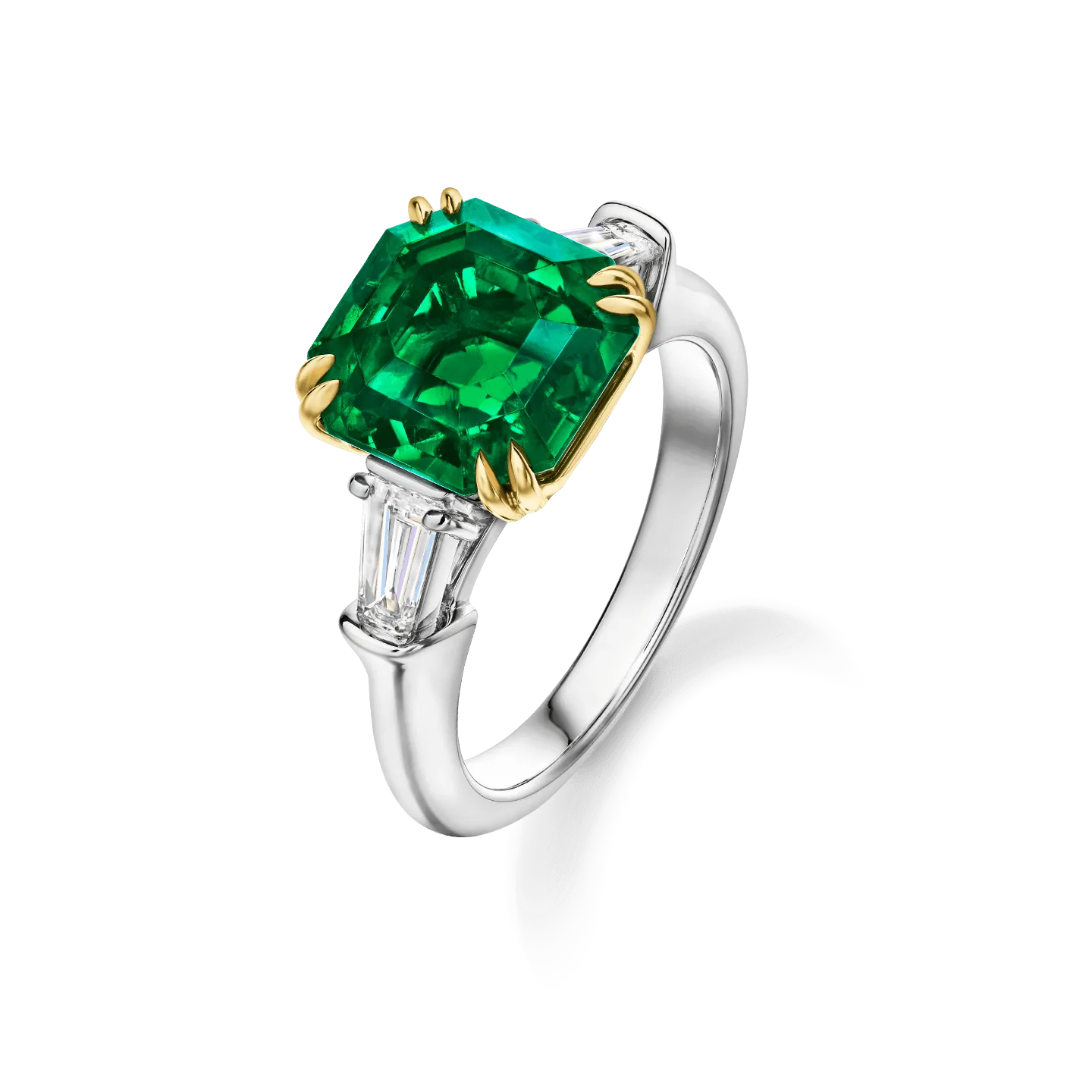
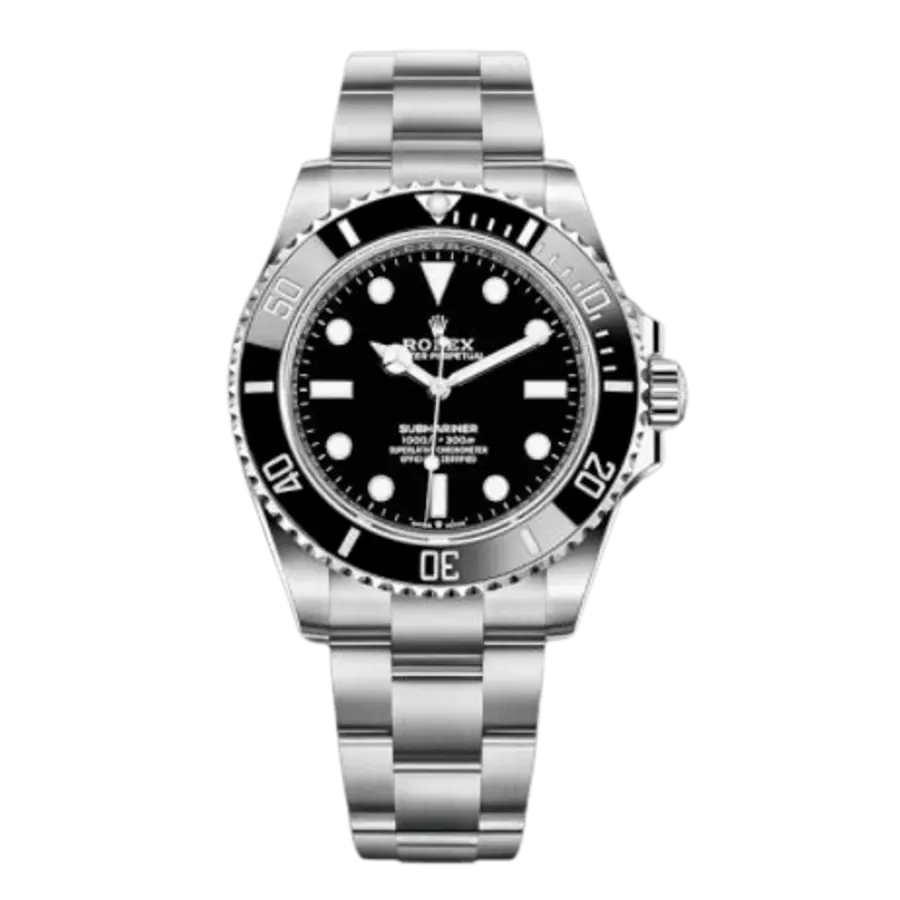
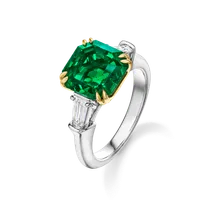
Uploadify connects to your Shopify store and pushes your jewelry, watch, and handbag inventory — products, images, videos, and 50+ industry-specific metafields — directly into Shopify. Once connected, smart collections, storefront filters, and product pages all light up automatically based on those metafields. Inventory, prices, and orders sync both ways in real time.
What are metafields and why do they matter?
Metafields are custom fields Shopify uses to store structured product data — anything beyond the default Shopify fields. Shopify doesn't ship with jewelry-specific fields out of the box (no carat weight, no stone type, no watch reference number). Uploadify automatically creates and maintains 50+ industry-specific metafields across jewelry, watches, and handbags, so your store actually understands what you sell.
Do I need to install any Shopify apps for filters or collections?
No. Because Uploadify pushes structured metafields directly to Shopify, your storefront filters and smart collections work natively — no third-party search/filter apps, no monthly subscriptions, no extra setup. Filter by carat weight, stone type, metal, cut, clarity, case size, model, period, style, and more, all out of the box.
Does Uploadify sync orders back from Shopify?
Yes. Shopify orders flow back into Uploadify automatically. Sold inventory is instantly delisted across every other marketplace you have connected — no manual cleanup, no double sales, no stale listings.
Do I need to provide my Shopify login credentials to Uploadify?
No. Uploadify connects to your Shopify store through the official Shopify API — we never see or store your login credentials. This makes Uploadify a very secure tool.
Will this work with my existing Shopify theme?
Yes. Uploadify pushes data into standard Shopify metafields, which any modern Shopify theme can read. Whether you are on a free theme or a custom-built one, the data is there and ready to be surfaced on product pages, collection pages, and filter sidebars.